Ch. 01 — The instrument
Everything it does, shown before it is described.
Qovaryx is a desktop application that reads the market on your own machine. These are unretouched captures of the build currently in evaluation — the screens, then what each one is for. Nothing here is a claim about outcomes.

Ch. 02 — Where it runs
On your machine, not someone else's.
The analysis happens on the computer in front of you. That is the design constraint the whole product is built around, and it is the one thing no hosted competitor can offer you.
Local by construction
Quotes, charts, positions and the decision itself are computed on your CPU. Your watchlist and your order intent do not travel to a model provider to be scored, because there is no model provider in the path.
The models are bundled with the application and run without a GPU, a container runtime, or a separate language runtime to install. What still needs the network is what obviously must: your broker, your market data, and a periodic licence check that carries install and version metadata only.
Windows 10 (build 19041+) or Windows 11, 64-bit
Any 64-bit CPU from roughly 2018 onward. No GPU required.
8 GB minimum, 16 GB comfortable
About 1.5 GB once the application and its bundled models are unpacked
Needed for your broker, market data and a periodic licence check. The analysis itself is local.
A cached licence stays valid for fourteen days without a connection
Ch. 03 — Refusal
The part that says no.
Most tools of this kind will always give you an answer. This one is built so that "no action" is a first-class result — reached deliberately, and shown to you with the reason attached.
A missing input is not a guess
If the information a component was built to read is not actually available, it declines to score rather than filling the hole with a plausible number. The application tells you which inputs were missing instead of quietly producing something.
Scheduled events can block an entry outright. Disagreement between components can block it. A component whose confidence has not been calibrated for the job in front of it does not get to speak with certainty about it. Any one of these is enough to return no action.
Ch. 04 — Limits
Controls you cannot switch off.
You pick how much risk you are willing to take. What you cannot do is pick your way out of the safety layer — it is shared by every profile, including the most aggressive one.
Four profiles, one floor
Conservative, Standard, Aggressive and Extreme change position and concurrency limits. The two higher profiles require you to acknowledge explicitly what you are turning on. None of them removes the shared controls.
Daily-loss halts, concentration limits, drawdown acknowledgement, fill-quality monitoring and realistic execution costs stay active in every profile. Choosing more risk changes the size of what is allowed, never whether the brakes exist.
Simulated and live are different switches
Whether the application is working against a simulated account or a real one is an explicit human choice, and it is never changed as a side effect of something else — not by a restart, not by the tray menu, not by a settings change.
Nothing is constructed it cannot place
Each broker connection reports what it actually supports. A multi-part position is not assembled for a connection that cannot submit it as one piece, which is what leaves people accidentally half-in.
A failed data call does not read as zero
When a broker connection fails or returns nothing, the position view falls back to the last known-good snapshot instead of flashing an empty portfolio at you. An outage looks like an outage.
The status light tells the truth
Green means the broker actually returned data. Amber means it responded but had nothing to say. Red means it errored. A connection that was never established does not get to show green.
Ch. 05 — Assistance
Bring your own AI. It still cannot trade.
A general chat model is a useful research assistant and a poor execution policy. Qovaryx lets you connect one, and keeps it well away from anything that places an order.
Your provider, your key, your choice of data
Connect a hosted provider or a fully local model for analysis and chat. Your credentials go into the operating system's protected store and are sent only to the provider you selected, when you submit a request. They never reach us.
You decide, per category, which of your data the assistant is allowed to see — it is off by default and you opt in. Attached images are held in memory and never written to disk. And the assistant is a reading surface: it has no route to submitting an order.
On the "let a chat model trade for you" trend: a fluent answer is not an execution policy. In Qovaryx the assistant answers questions you ask it. The path that could ever produce an order is deterministic code, bounded specialist inputs, a broker capability check, and the risk controls above. Different job, different tool.
Ch. 06 — The rest of the application
The remaining screens.
Unretouched captures from the Qovaryx Instrument (13 Aug 2026).
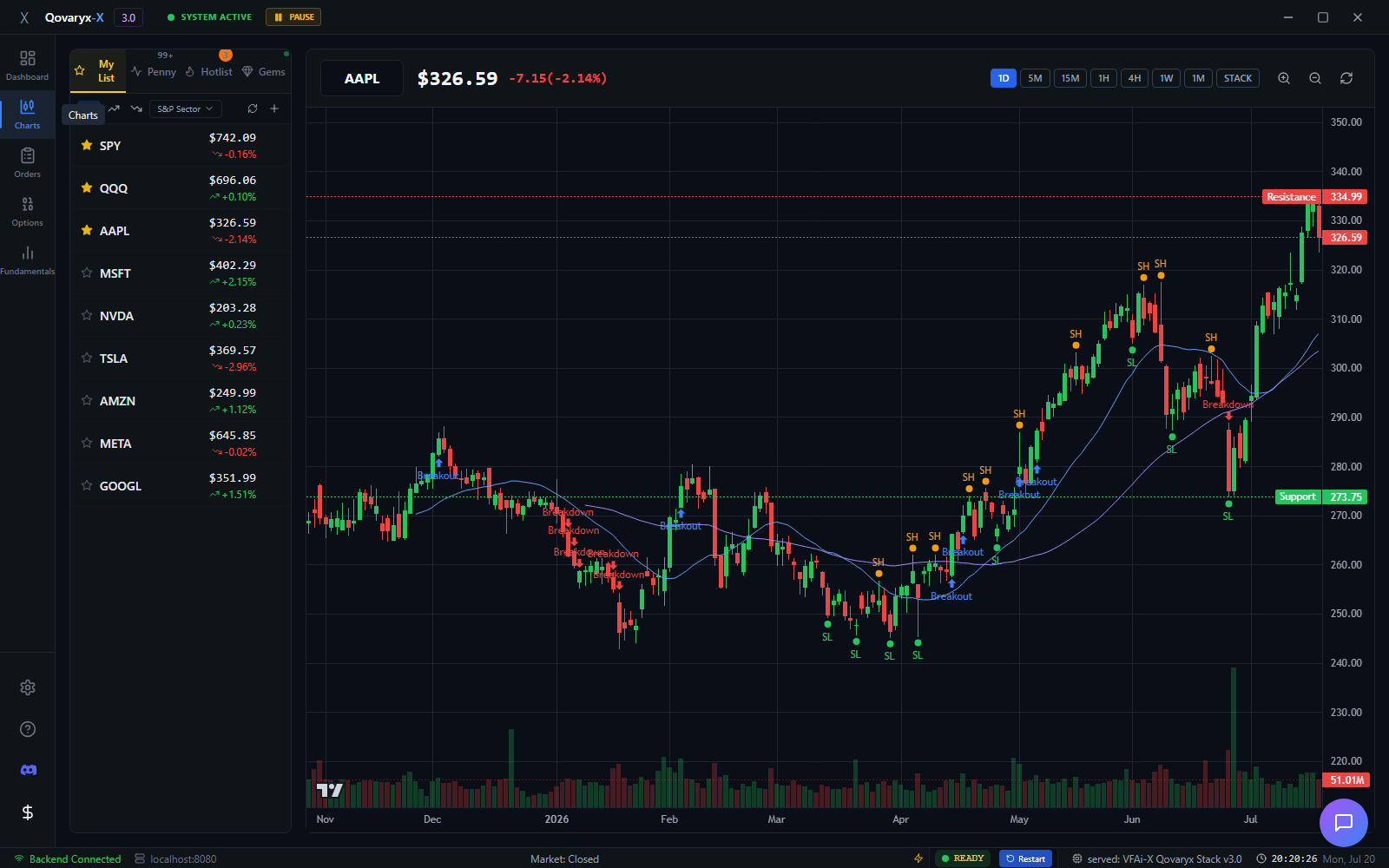
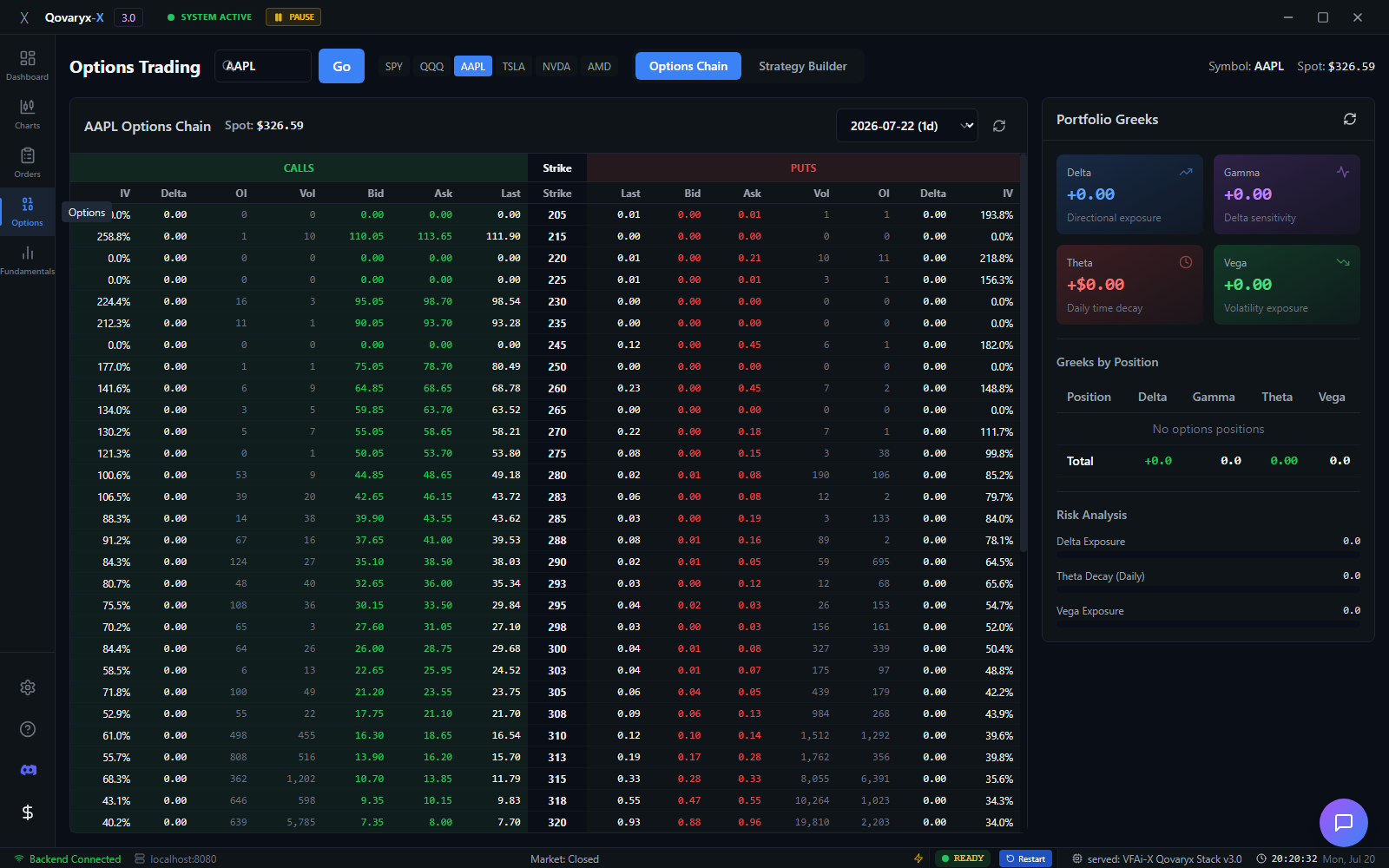
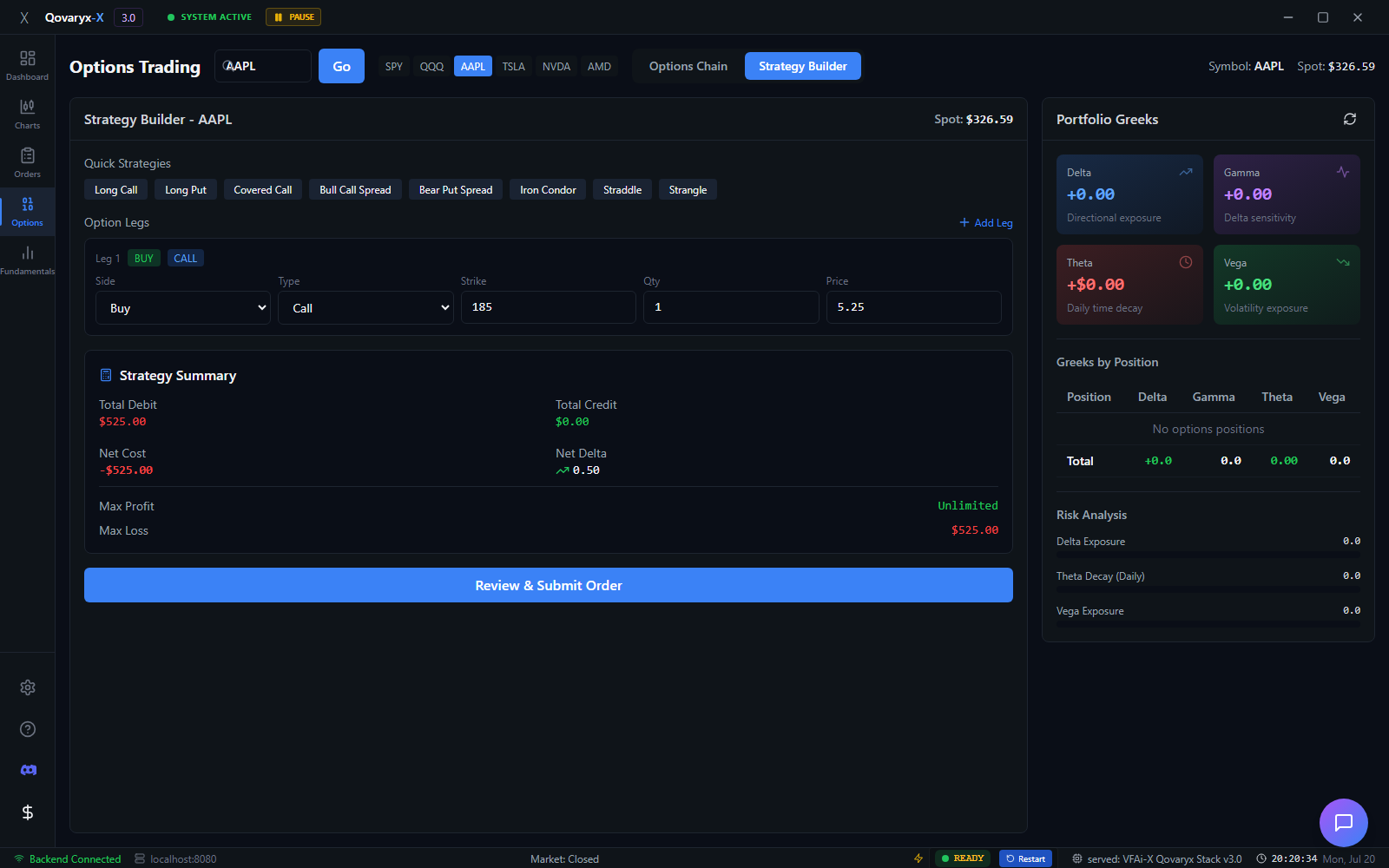
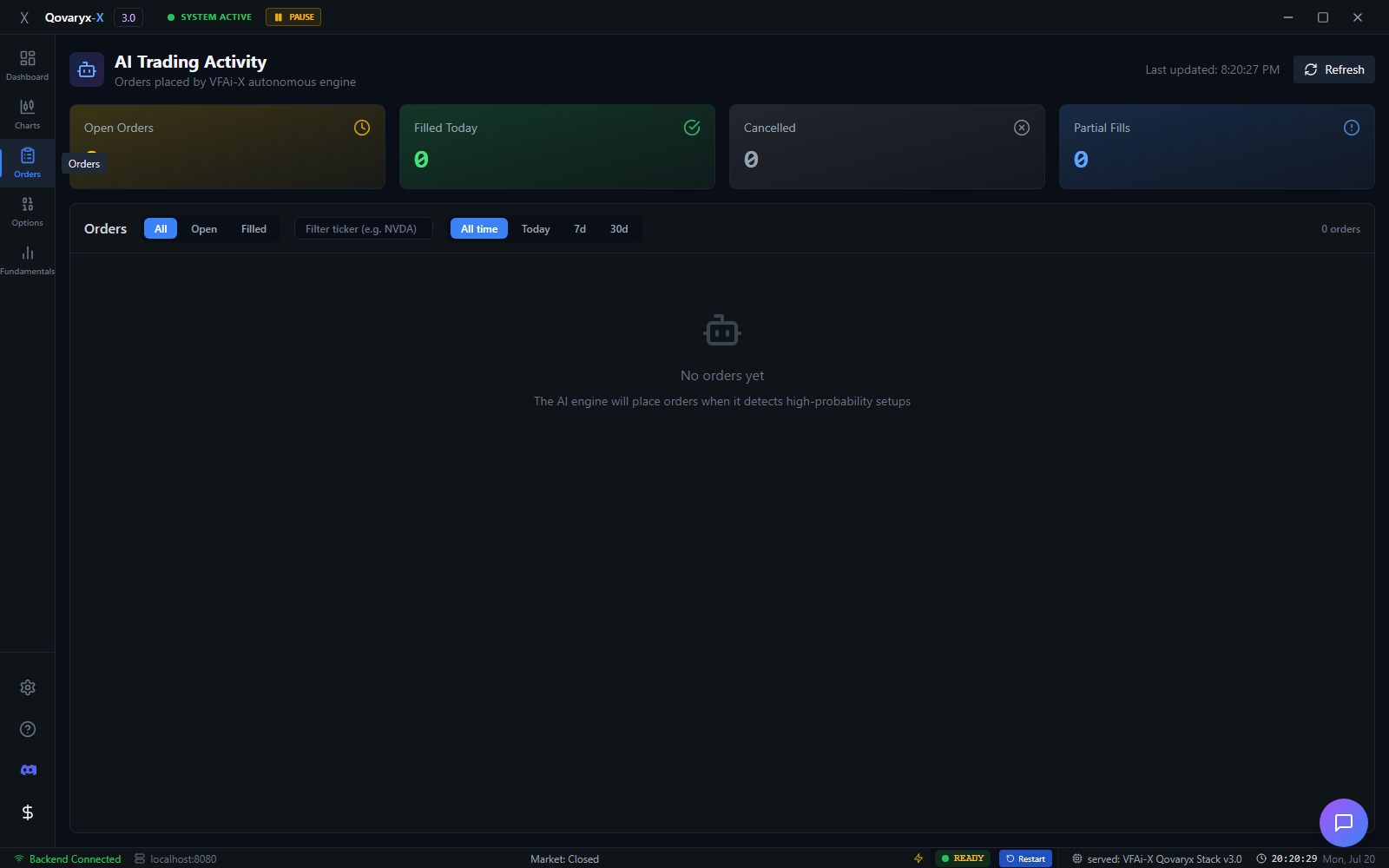
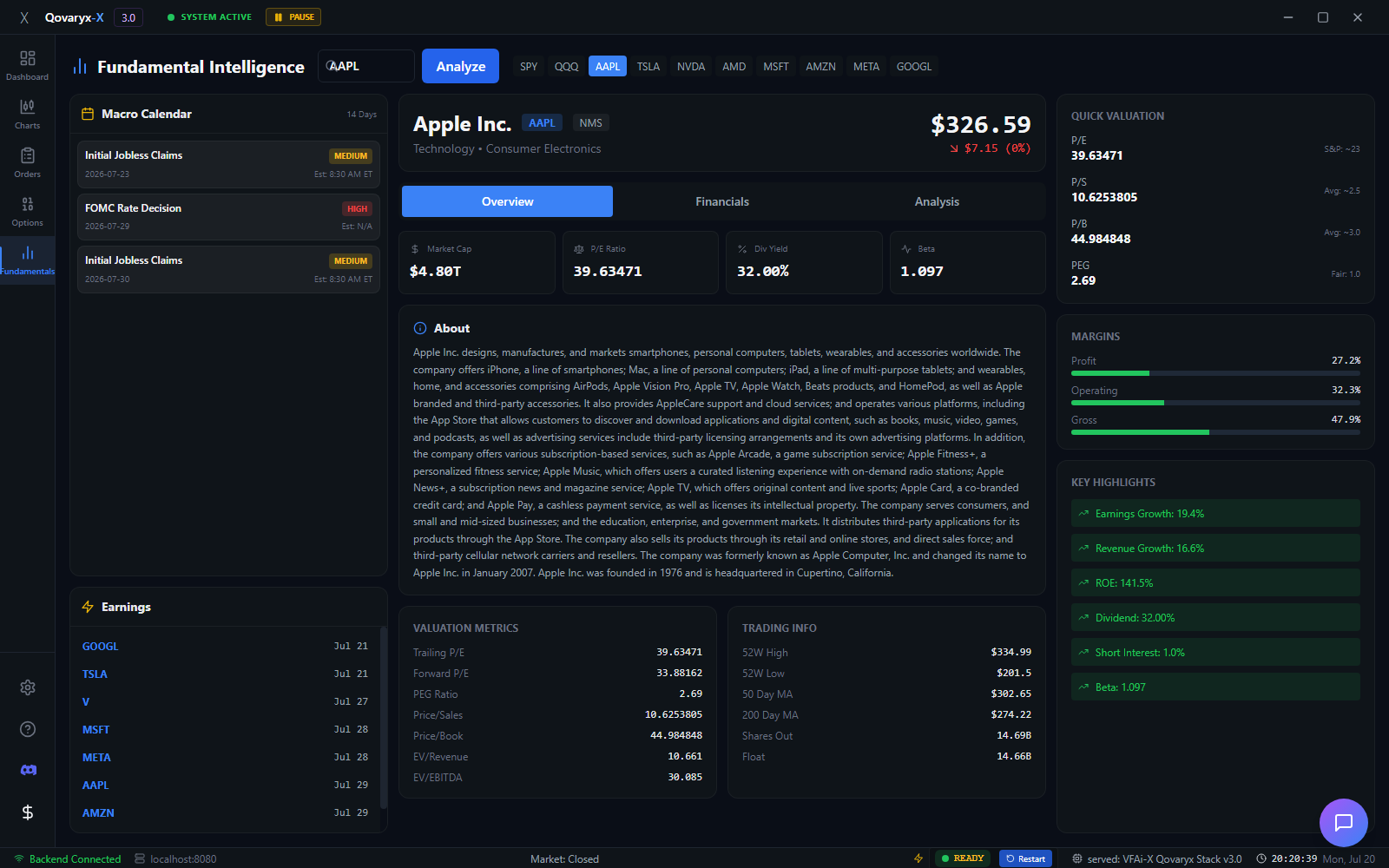
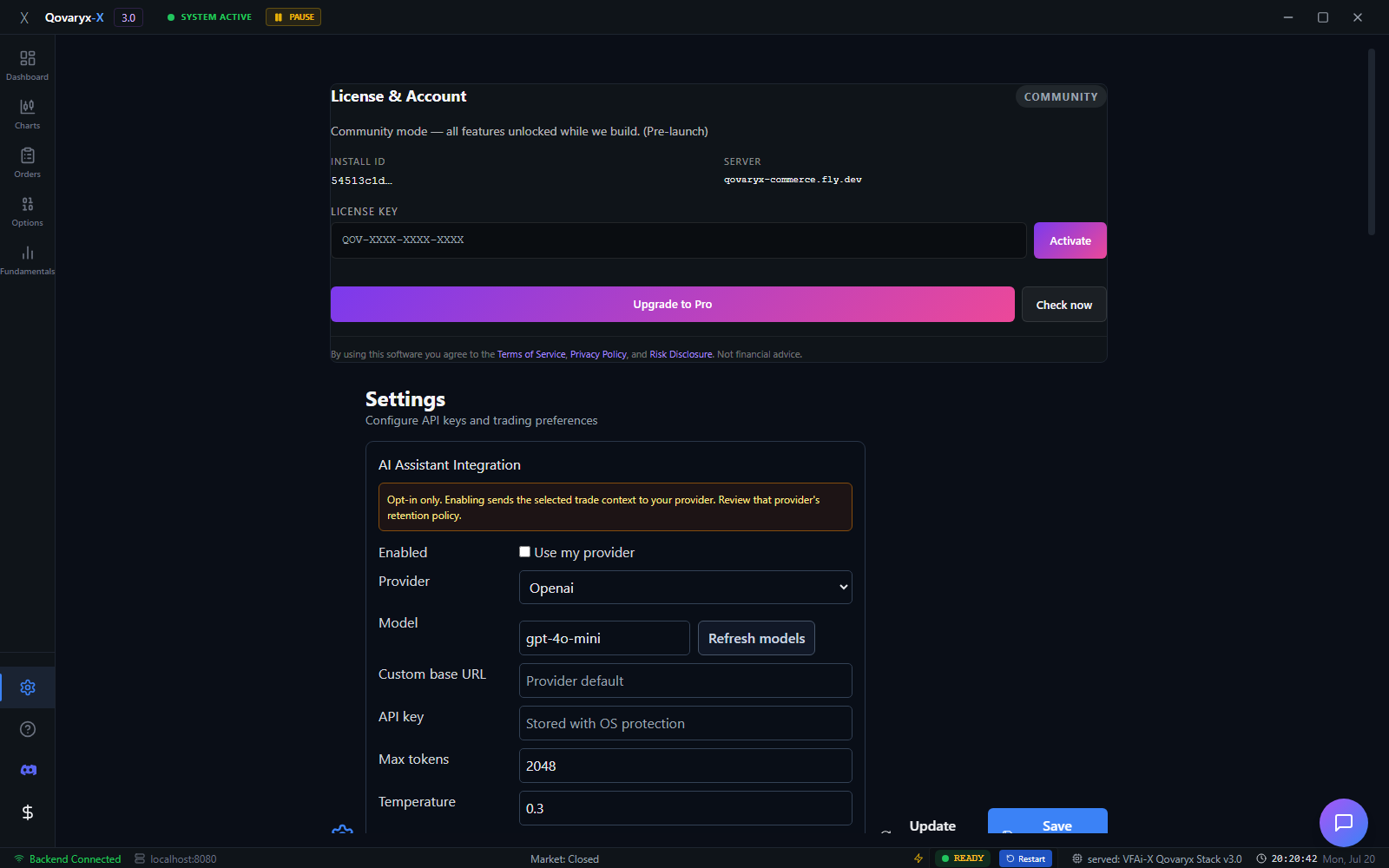
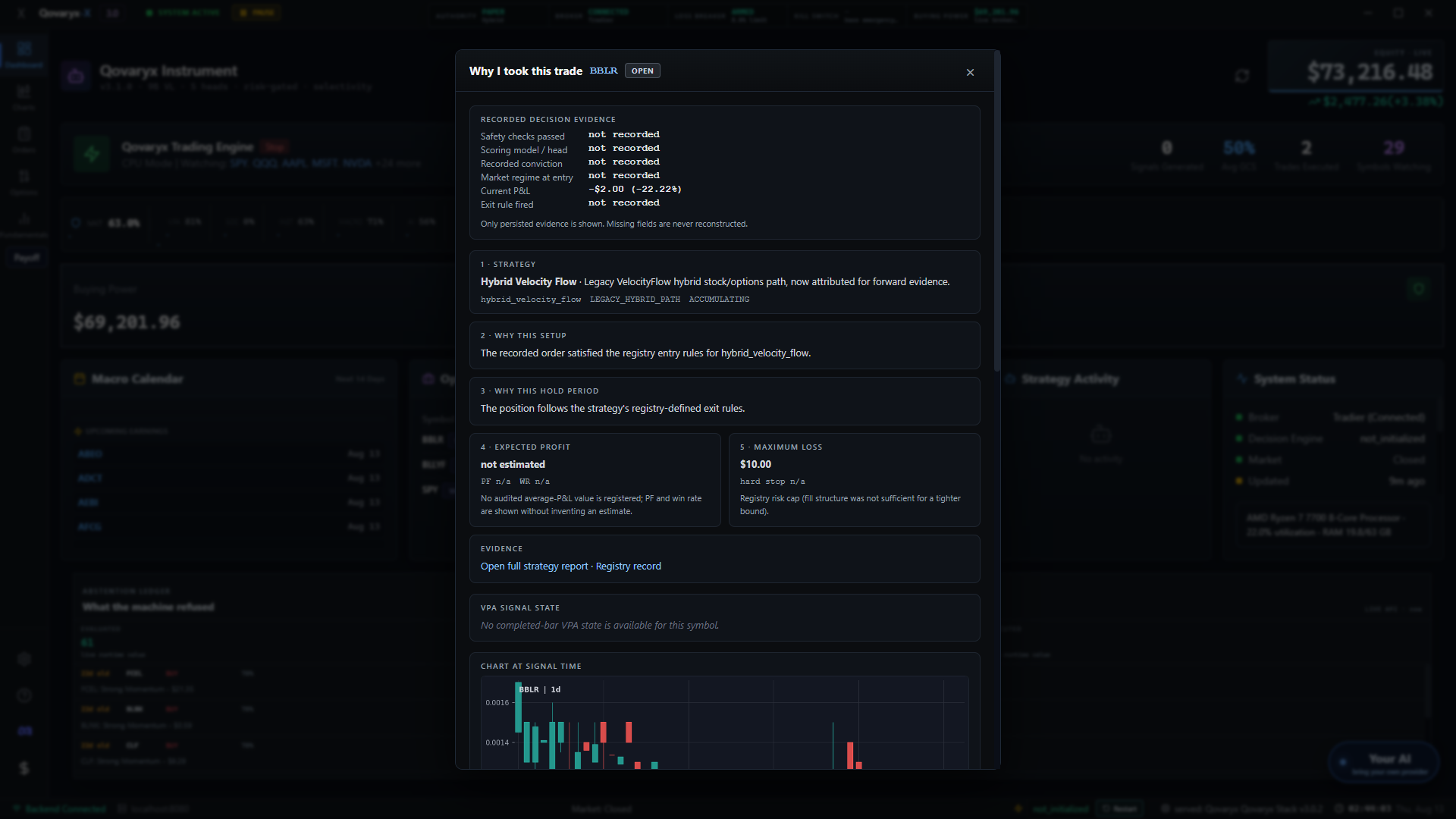
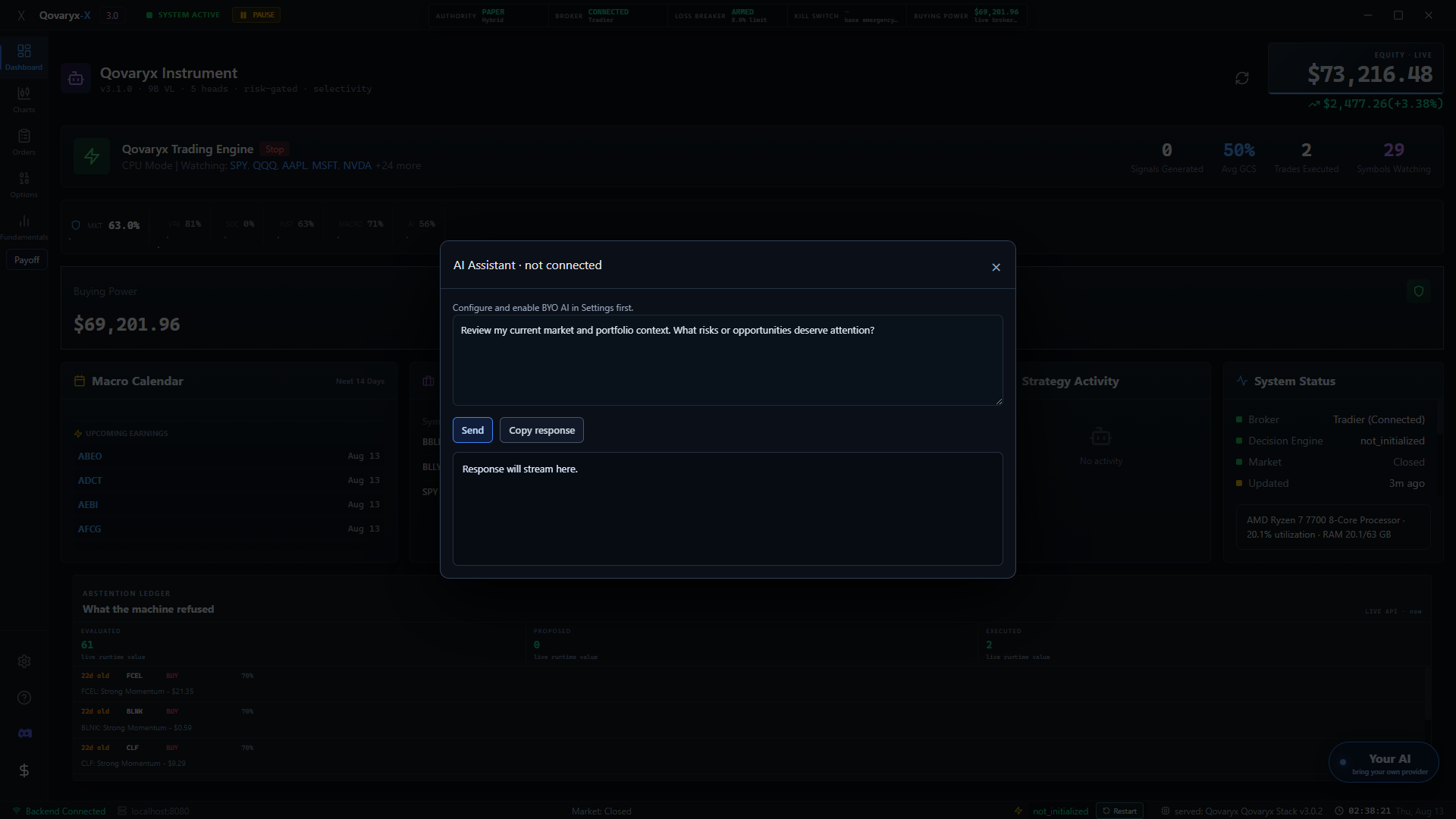
Questions about any of this? The Discord is where release news lands first and where we answer things that are not worth an episode.
Join the DiscordCh. 07 — What we will not tell you
The absences are deliberate.
A features page is where a trading product usually starts making numbers up. Here is what is missing from this one, and why.
No performance figures
Not one number describing how any of this has done, in any form. Not softened — absent. Any such figure attributed to Qovaryx did not originate from us.
No recipes
We describe what a component is for and what can stop it. We do not publish the specific measurements, settings or thresholds behind it. The framing is public; the recipe is not.
No release date
The next build ships when it has been through evaluation. "When it is ready" is the only commitment we can make honestly, so it is the only one we make.
The reasoning, in public
What we do publish is the method and the failures: written up in the research index, and argued out on the build log.
Downloads are paused and there is no date. Join the release list and you will hear when the next build has been verified.
Join the release list